Transports Overview
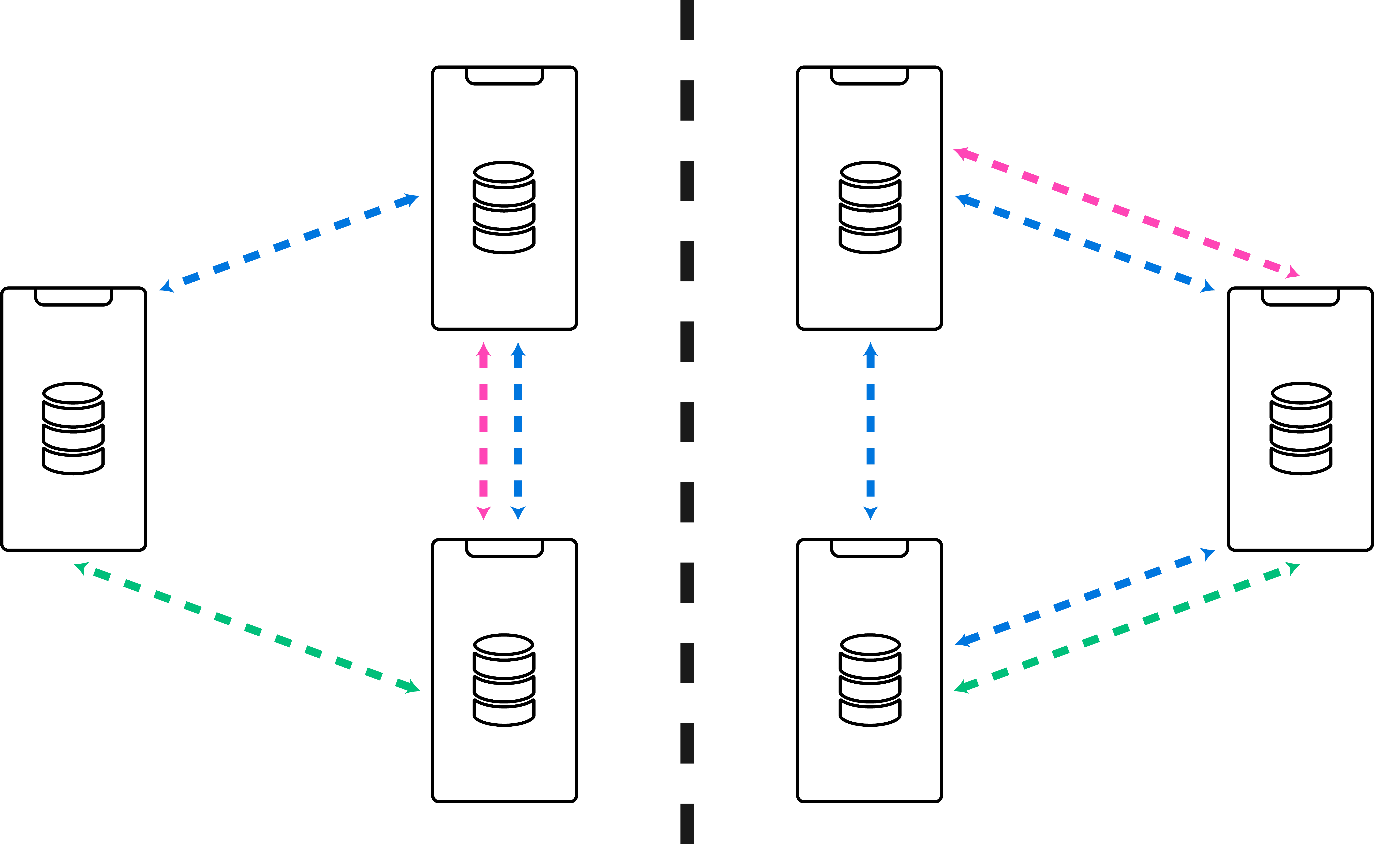
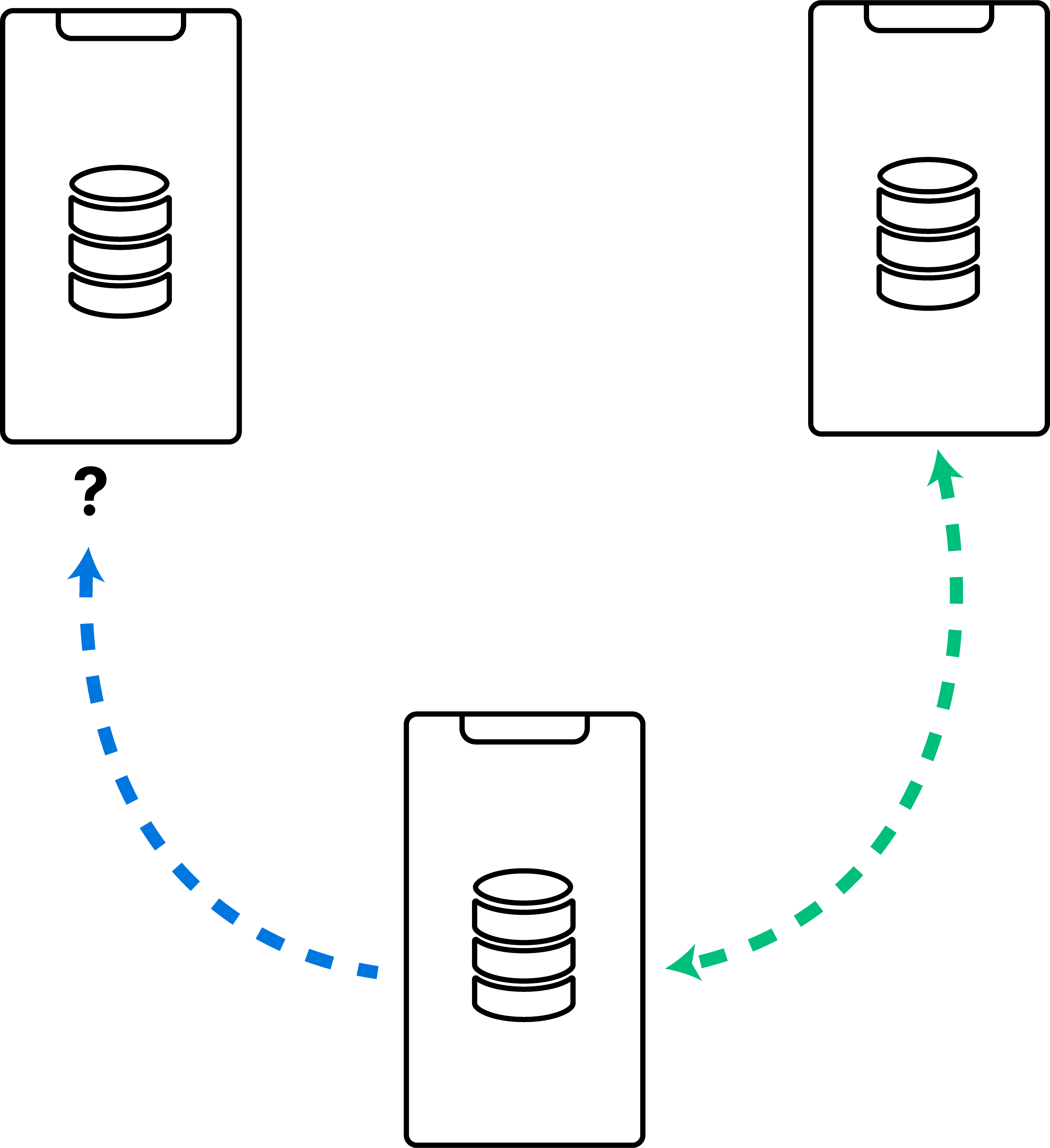
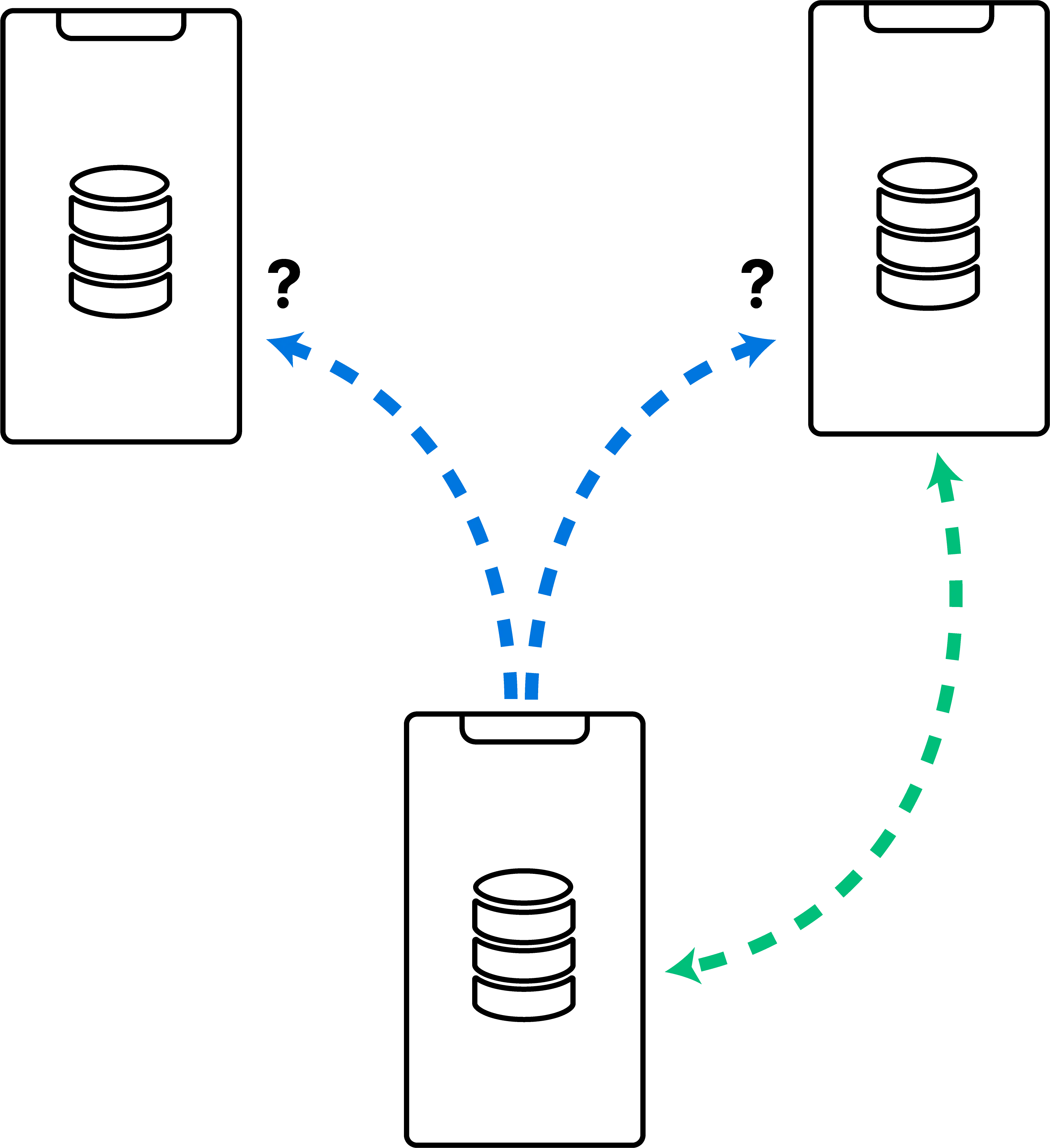
The Ditto peer-to-peer network architecture supports both direct communication between Small Peers (device-to-device) and communication by way of a server (Big Peer) that connects and transmits data between Small Peers (device-to-server-to-device).
This dual approach provides flexibility — your app remains efficient in any network environment and you control when and what routes through a central server.
To enable all transports, call transportConfig.enablePeerToPeer(); otherwise, enable them one by one. (See Customizing Transport Configurations)
Following are the various transports Ditto uses to facilitate peer-to-peer communication across peers:



Bluetooth Low Energy
Performance
The following distances, limitations, and capacities are approximations and vary depending on the Bluetooth® firmware installed in the end-user environment.
Syncing large documents can significantly impact network performance:
Caution is advised when handling large binary data, such as a high-resolution image or video exceeding 50 megapixels; a deeply embedded document; or a large document.
Instead of storing files exceeding 250kb directly within a document object, consider using an ATTACHMENT instead of a MAP. (See ATTACHMENT)
Most devices manufactured during or after 2017 are equipped with Bluetooth LE version 5.0.
Bandwidth Capacity | Discoverability Range | Distance Durability |
|---|---|---|
20-kilobyte (KB) maximum per 1-second interval | 30- to 60-meter maximum |
|
Limitations
Bluetooth LE performance declines in the following scenarios:
- Physical obstructions, radio signal attenuation, radio frequency congestion, among other environmental challenges.
- Large amounts of binary data such as high-resolution image files or large document objects.
In addition, when iOS devices establish a Bluetooth LE connection with Android devices:
- End users can view the connection from their device's iOS Bluetooth settings.
- When your app is forced to close on the iOS device, the Bluetooth connection to the Android device automatically terminates.
Visibility of these iOS-to-Android Bluetooth LE connections in the iOS settings is intended for informational purposes only. They do not limit the number of Bluetooth LE devices that can connect to the mesh.
Peer-to-Peer Wi-Fi
The bandwidth capacity and distance limitation of peer-to-peer Wi-Fi connections depend on the end-user environment, as different devices and platforms support varying Wi-Fi technologies.
The following table provides an overview of the Wi-Fi technologies Ditto supports, organized by platform:
Apple Wireless Direct Link
Performance
AWDL-enabled mesh communication between Apple-based peers has significantly higher bandwidth when compared with Bluetooth LE, allowing for low-latency, high-speed data transfers.
Bandwidth Capacity | Discoverability Range | Distance Durability |
|---|---|---|
| 30-to 60-meter maximum | 35-meter maximum |
Limitations
With an average maximum range of 35 meters from point to point, AWDL allows for shorter distances when compared to Bluetooth LE, which can be sustained for distances up to 130 meters.
Wi-Fi Aware
Wi-Fi Aware technology is a new open standard that you can use to establish a mesh network connection between devices running on the Windows or Android platform.
Performance
Wi-Fi Aware, similar to AWDL for the Apple platform, offers significantly higher bandwidth compared to Bluetooth LE, allowing for low latency, high-speed data transfers between Android or Windows devices:
The following specifications are approximations; the type of device and platform and network configurations ultimately determine range and performance.
Bandwidth Capacity | Discoverability Range | Distance Durability |
|---|---|---|
| 100- to 300-meter maximum | 100- to 300-meter maximum |
Limitations
Wi-Fi Aware connections have a limited range of shorter distances compared to Bluetooth LE, which can be sustained for distances up to 130 meters.
Local Area Network
Performance
In general, LAN-based connections offer significantly higher bandwidth capacities compared to Bluetooth LE, allowing for low latency, high-speed data transfers:
The following specifications are approximations; the quality of the network infrastructure, network configurations, and the amount of network traffic ultimately determine range and performance.
Disabled by default, if you want devices located within the same LAN to find and identify each other automatically, manually enable IP multicasting entitlement for each device. (See Optimizations)
Bandwidth Capacity | Discoverability Range | Distance Durability |
|---|---|---|
Traditional LANs: 1- to 10-Mbps maximum; higher for fiber-optic LANs | 200-meter maximum | 200-meter maximum |
Limitations
The following are common conditions that contribute to a decline in LAN performance:
Factor | Description | |
|---|---|---|
Network congestion | When there is a high volume of network traffic, in which multiple devices utilize the LAN at the same time, data transfer speeds and response times lag. | |
Distance to the router or access point | When devices are physically located far away from the router or access point, connections become unreliable or even unavailable altogether. | |
Network security and privacy | Network infrastructure enabled with various security controls, such as the Client Isolation Mode feature, may directly or indirectly affect performance. (See Security and Privacy: Client Isolation Mode) | |
iOS direct connections with desktop-based apps | By default, iOS devices require the IP multicast entitlement to establish direct connections with desktop platforms, such as Windows. (See iOS-to-Desktop Connections) | |
Optimizations
This section provides an overview of the different optimization strategies you can use to make the most out of your LAN setup.
For instance, improve the overall responsiveness of your LAN connection by minimizing bandwidth consumption and enhancing the reliability of your peer-to-peer LAN connections.
Optional Discovery Protocol: IP Multicasting
Disabled by default, if you want devices located within the same LAN to find and identify each other automatically, manually enable IP multicasting entitlement.
Security and Privacy: Client Isolation Mode
If network infrastructure is configured with Client Isolation Mode enabled, devices are unable to discover each other and form a LAN connection.
Client Isolation Mode is a network security and privacy feature offered by most Wi-Fi routers and access points that prevents devices on the same Wi-Fi network from communicating directly.
To ensure that Ditto’s discovery protocol is working effectively, it is important to disable the Client Isolation Mode feature on the Wi-Fi router or access point that you are using for the LAN. For instructions, see the official documentation provided by the manufacturer.
Note that the exact name of the feature may vary depending on the manufacturer and the specific model of the Wi-Fi router or access point; however, the term “isolation” is commonly included in the feature name.
iOS-to-Desktop Connections
Apple requires iOS device end users to grant permissions before a LAN connection with desktop-based devices can be established, such as an iOS device connecting directly with a desktop app running on the Windows operating system.
By default, iOS devices can connect with other mobile devices of any platform. For example, an iOS device can connect directly with an Android device over LAN.
If you want your iOS app to connect to desktop-based apps over LAN, request the multicast entitlement directly from Apple, and then, once received, add the multicast entitlement to your iOS app. For instructions, see the official Apple documentation > Entitlements > com.apple.developer.network.multicast.
WebSockets
Small Peers connect with the Big Peer by way of WebSocket connections. Supported on all devices, regardless of model and platform, the WebSocket communication protocol is the most commonly available transport protocol for realtime communication.
A WebSocket is a full-duplex communication protocol that enables a long-lived connection between Small Peers and the Big Peer:
- Communication is full-duplex when the client and server can communicate in a bidirectional, back-and-forth manner allowing for low-latency data exchange.
- A connection is considered long-lived when, once established, it remains open for an extended period.
- Referred to as the playground token, Small Peers use this passphrase to authenticate with the Big Peer. Once authenticated, the Big Peer issues a unique JSON Web Token (JWT) to establish and ensure the persistence of the connection between Small Peers and the Big Peer. As long as the playground token remains active, your connection persists. (See Sync Credentials)
LAN-Based WebSocket Connections
Unlike other transports for peer-to-peer communication, the WebSocket does not come with built-in automatic device discovery capabilities.
So establishing a WebSocket connection between devices over LAN, specify an IP/PORT for a LAN-based WebSocket connection. (See Initializing LAN-Based WebSocket Connections)